11 Gamer Room Decor Tips From Top Interior Designers

- Start With a Layout That Actually Works for Your Setup
- Layer Your Lighting Instead of Relying on One Overhead Fixture
- Choose a Color Palette That Isn’t Just Black and Neon
- Get Your Cables Under Control Before You Decorate Anything Else
- Add a Statement Shelf for Display, Not Just Storage
- Invest in a Chair and Desk That Support Long Sessions
- Use Acoustic Panels as Decor, Not Just Function
- Bring In Texture So the Room Doesn’t Feel Cold
- Personalize the Walls With Something That Isn’t Just Posters
- Create a Secondary Seating Area for Non-Desk Hangouts
- Keep a Few Surfaces Empty on Purpose
11 Gamer Room Decor Tips From Top Interior Designers
Gaming spaces have come a long way from a beat-up desk shoved in the corner of a basement. These days, interior designers are treating gamer rooms like any other room in the house — with real attention to layout, lighting, and style. I talked to a handful of designers who’ve worked on these spaces, and the ideas below are the ones that kept coming up. Whether you’ve got a whole spare bedroom or just a corner of your living room to work with, there’s something here you can steal.
Start With a Layout That Actually Works for Your Setup
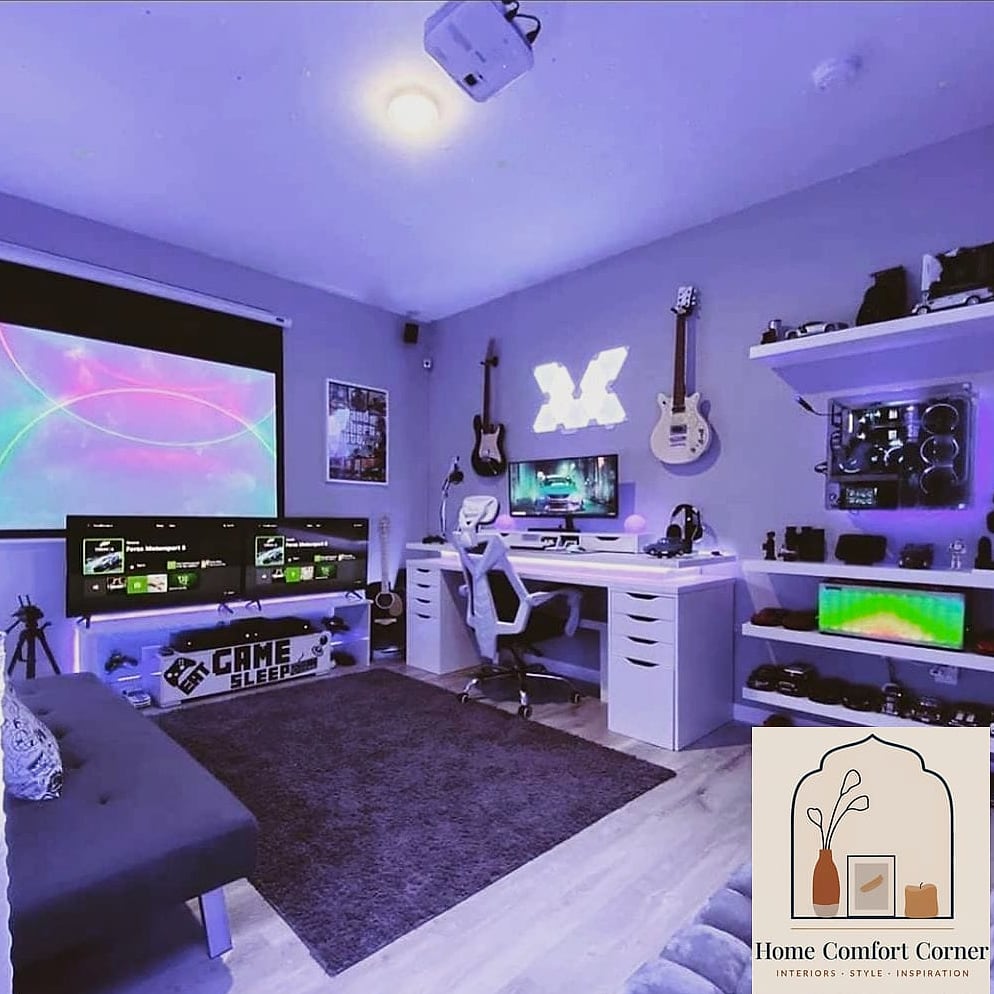
Before you touch paint colors or decor, designers say the layout is where most gamer rooms go wrong. Desks get pushed against walls with cords tangled everywhere, and there’s no real thought given to how you move through the space.
Think about your monitor placement first, then work backward. You want your main screen at eye level, roughly an arm’s length away, with enough desk depth that your keyboard and mouse aren’t crammed against the edge. If you’re using multiple monitors, a curved arrangement or a monitor arm setup gives you more usable desk space underneath.
Leave room to actually walk around your chair. It sounds obvious, but a lot of people cram their setup into a corner so tight they can barely swivel. A little breathing room makes the whole space feel more intentional instead of just functional.
Layer Your Lighting Instead of Relying on One Overhead Fixture
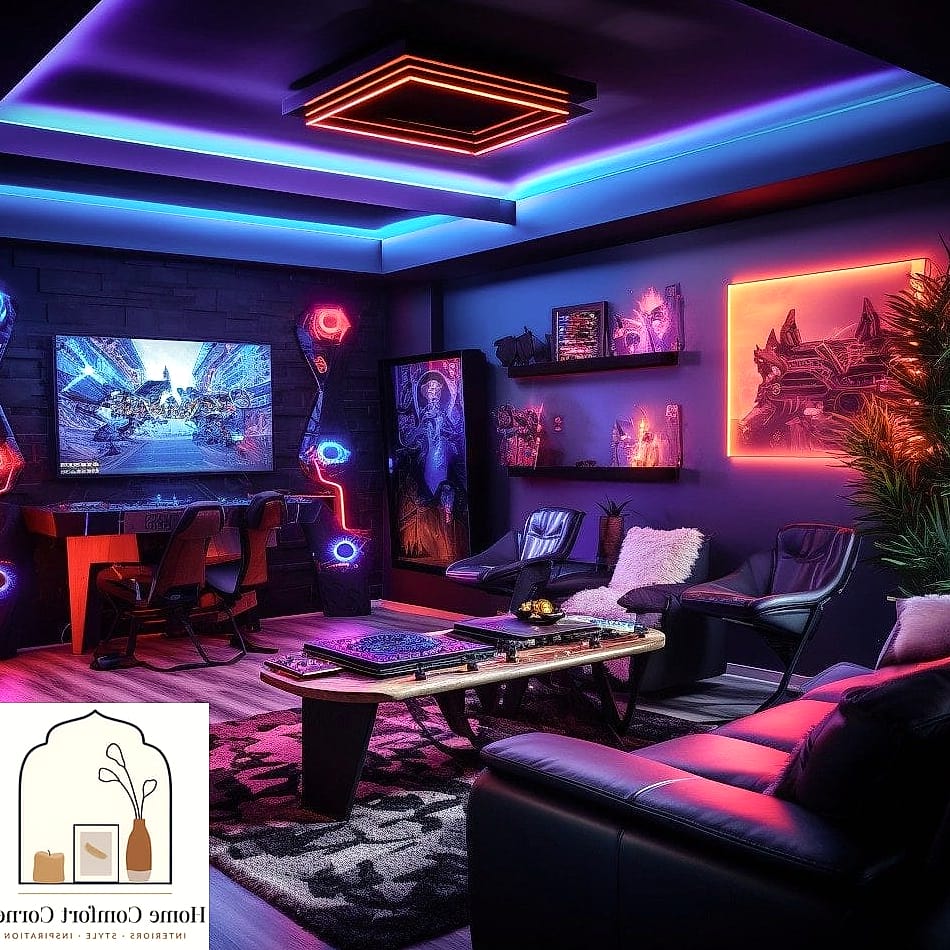
This is probably the single biggest thing designers mention. A harsh overhead light washes out your face on video calls and creates glare on your screens, but total darkness with just monitor glow isn’t much better for your eyes over a long session.
The fix is layering. Start with bias lighting behind your monitor — an LED strip that sits along the back edge reduces eye strain and makes colors on screen look more accurate. Add a floor lamp or desk lamp with warm, dimmable light for general ambiance. Then, if you’re into the RGB aesthetic, use smart LED strips along shelving or the ceiling perimeter as an accent layer.
The key is being able to control each layer separately. Smart bulbs and strips that connect to an app let you switch from bright and functional during the day to moody and atmospheric at night without buying new fixtures.
Choose a Color Palette That Isn’t Just Black and Neon
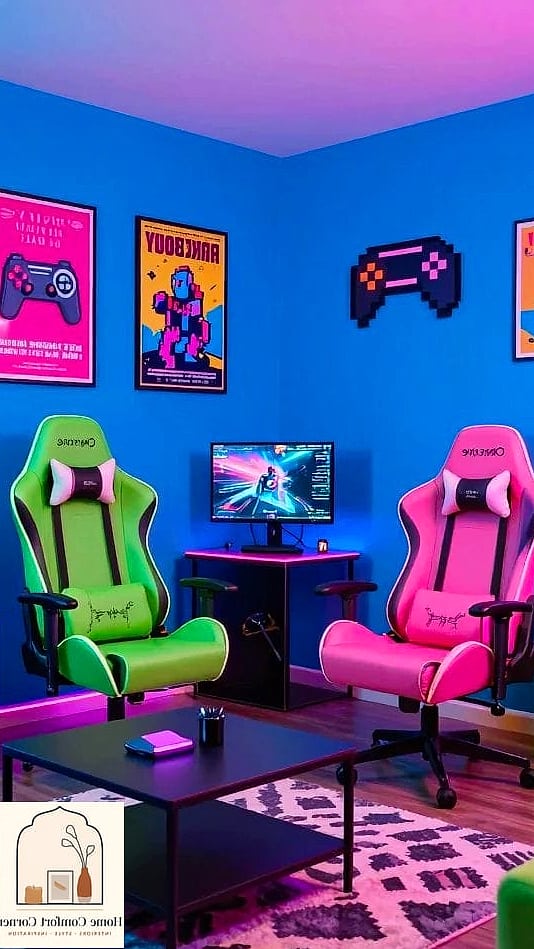
Black-and-neon has been the default gamer aesthetic for years, and it can absolutely look great, but designers pointed out it’s not the only direction anymore. A lot of them are steering clients toward more grounded palettes that still feel energetic.
Think deep charcoal or navy walls paired with warm wood tones and a single accent color — maybe a muted teal or burnt orange — instead of five different neon hues fighting for attention. This kind of palette photographs better on stream too, if that matters to you, since it doesn’t blow out the camera sensor the way bright RGB backgrounds sometimes do.
If you rent and can’t paint, a large area rug or a fabric wall hanging in your chosen palette does a lot of the same visual work without touching the walls.
Get Your Cables Under Control Before You Decorate Anything Else
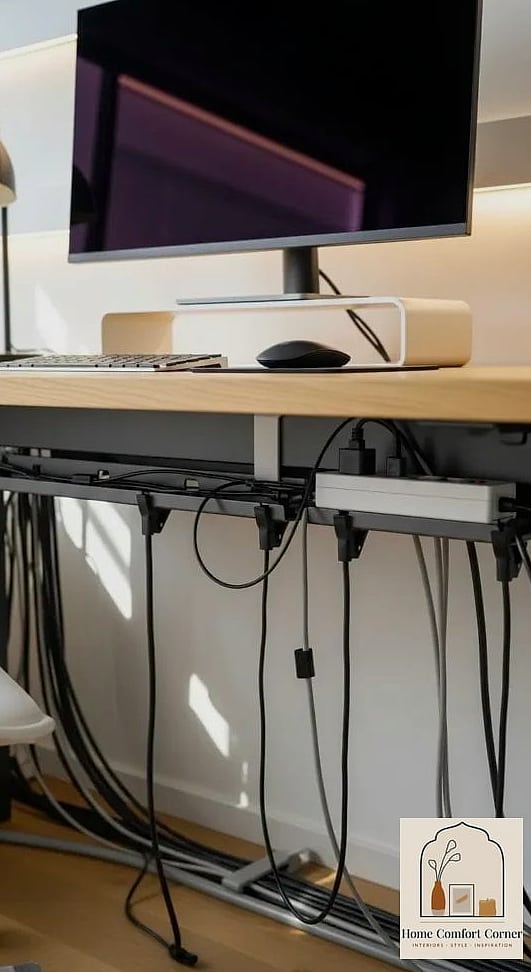
No amount of great decor saves a room where you can see a rat’s nest of cables under the desk. Designers are pretty firm on this one — cable management isn’t optional, it’s foundational.
A cable tray that mounts under your desk keeps power strips and cords off the floor entirely. Velcro cable ties are more practical than zip ties since you’ll inevitably need to unplug something and rearrange later. For cords running along the floor to an outlet, a low-profile cable cover in a color that matches your flooring makes it basically disappear.
This one isn’t glamorous, but it’s the difference between a room that looks styled and one that just looks like a computer lives there.
Add a Statement Shelf for Display, Not Just Storage
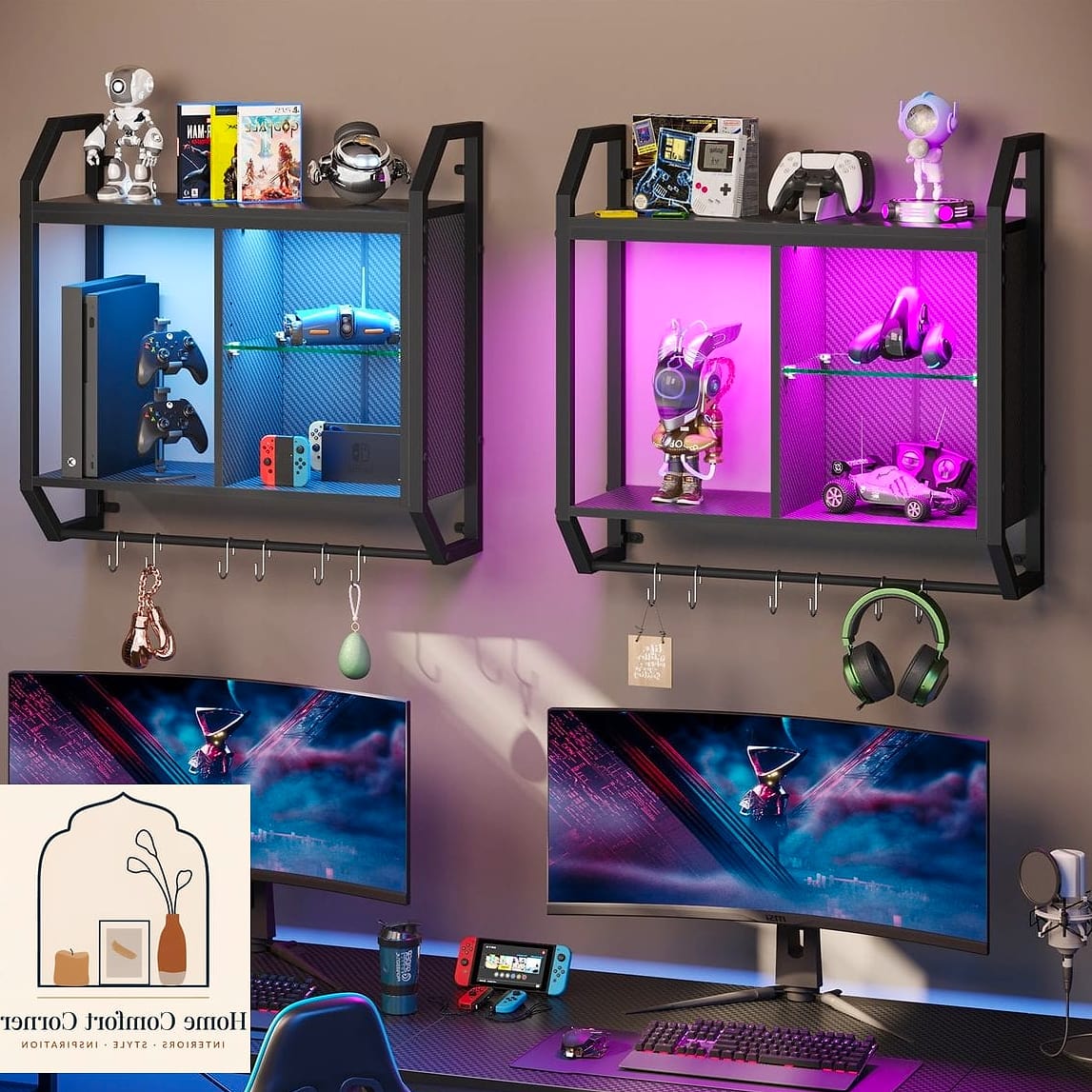
Open shelving shows up constantly in these room makeovers, and for good reason. It gives you a spot to display collectibles, figures, game cases, or vinyl without cluttering your desk surface.
Floating shelves work well here because they keep the visual weight light, which matters in smaller rooms. Group items by height and color rather than lining everything up in a single row — designers call this “visual triangulation,” and it just means your eye has somewhere interesting to land instead of a flat, even line of stuff.
Leave some negative space too. A shelf packed edge to edge starts to feel cluttered no matter how cool the individual pieces are.
Invest in a Chair and Desk That Support Long Sessions
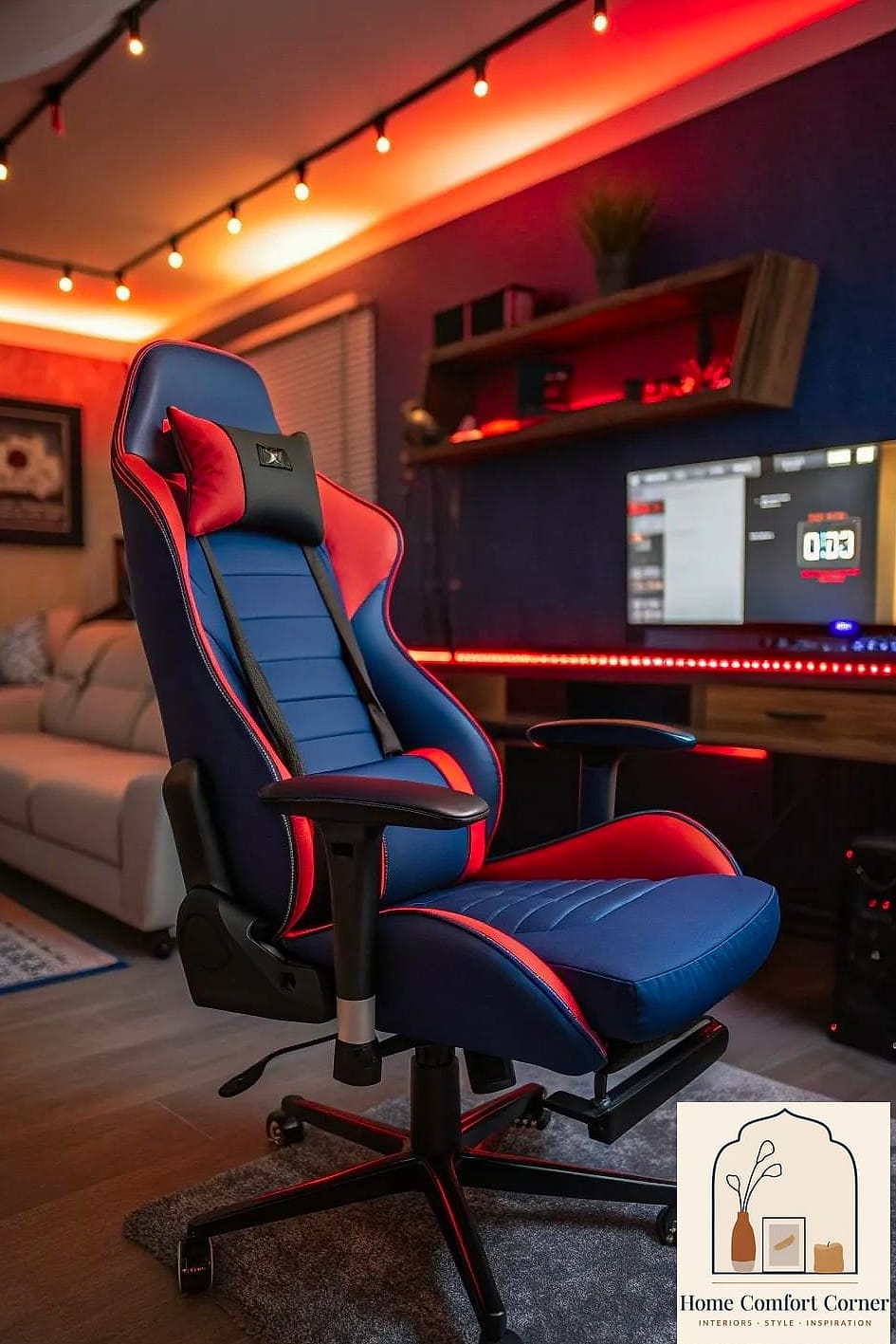
This is more ergonomics than decor, but every designer I spoke with brought it up unprompted. A chair that looks cool but wrecks your back after two hours isn’t actually serving the room.
Look for a chair with adjustable lumbar support, armrest height, and seat depth. You don’t need the most expensive racing-style chair on the market — a well-fitted mid-range option beats an ill-fitting premium one every time.
For the desk, a sit-stand model is worth considering if your budget allows it. Even just alternating position for part of the day makes a noticeable difference over a long gaming or work session, and it’s a feature that’s become a lot more affordable in the last few years.
Use Acoustic Panels as Decor, Not Just Function
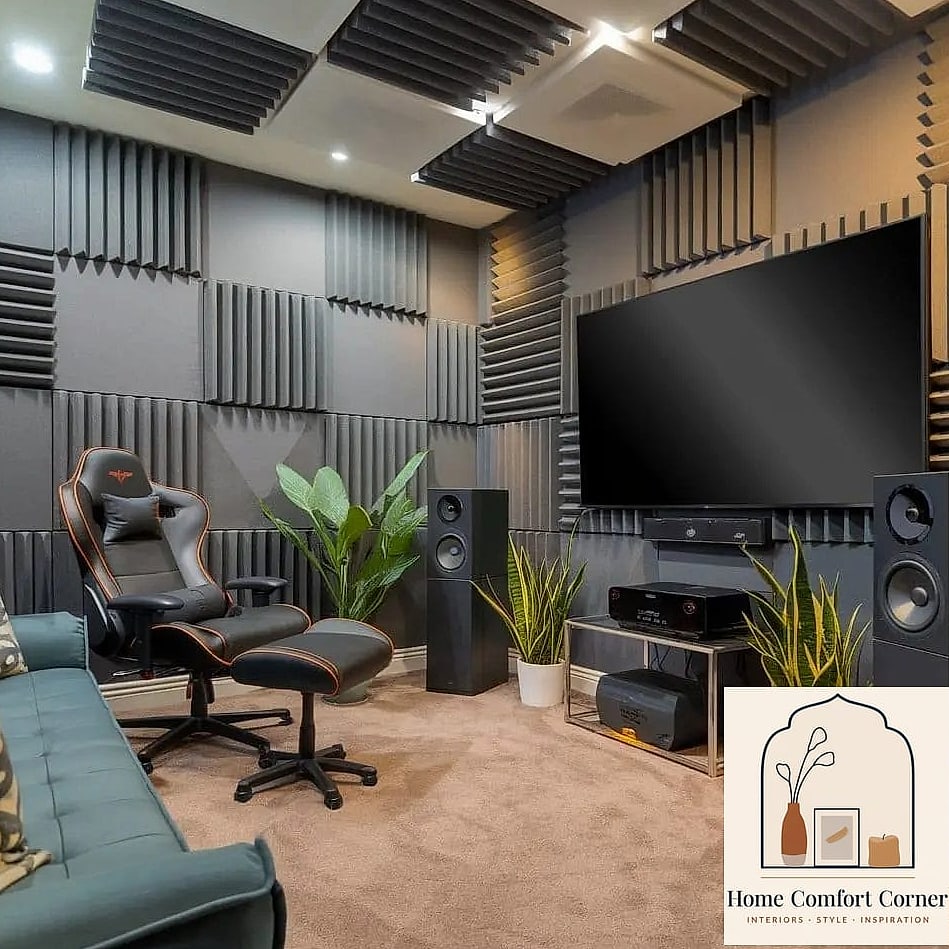
If you’ve got a headset mic or you stream, sound quality matters more than people expect. Bare walls and hard floors bounce sound around and make recordings sound echoey.
Acoustic panels solve this, and the good news is modern ones don’t look like foam egg cartons anymore. You can find fabric-wrapped panels in geometric shapes, or ones that double as wall art with a printed design. Cluster a few in an asymmetric pattern behind your desk or gaming chair for both the sound benefit and a genuinely decorative wall feature.
Even if you’re not streaming, a couple of panels soften the room acoustically, which makes a noticeable difference if the room has hard flooring or a lot of glass.
Bring In Texture So the Room Doesn’t Feel Cold
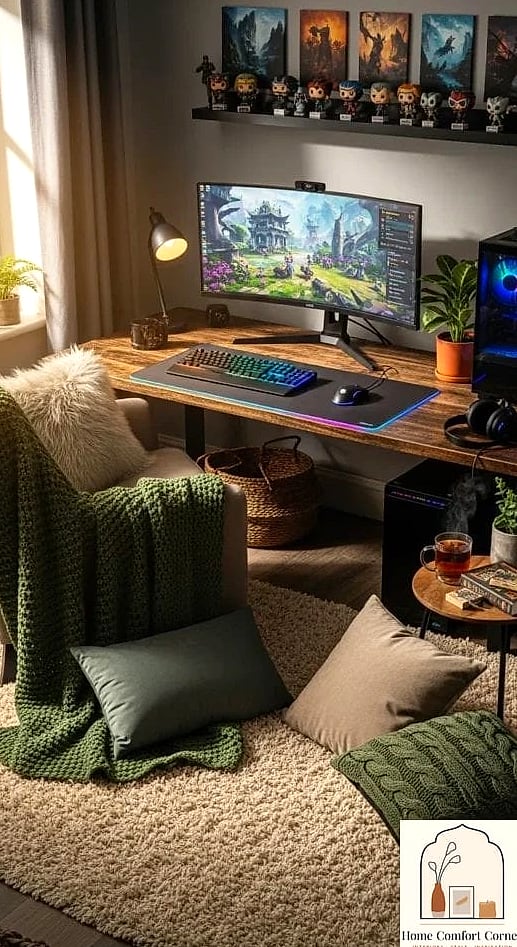
Gaming setups lean heavily on hard surfaces — glass desks, metal frames, plastic peripherals. Without some softer texture mixed in, the room can end up feeling a little sterile.
A textured area rug under your chair adds warmth underfoot and also helps with the acoustics we just talked about. A knit throw blanket draped over a nearby chair or bench, some woven baskets for controller and cable storage, or even a leather desk mat all add tactile variety.
Designers also mentioned mixing matte and glossy finishes intentionally — a matte desk surface against glossy monitor bezels, for instance — rather than letting everything default to the same sheen.
Personalize the Walls With Something That Isn’t Just Posters
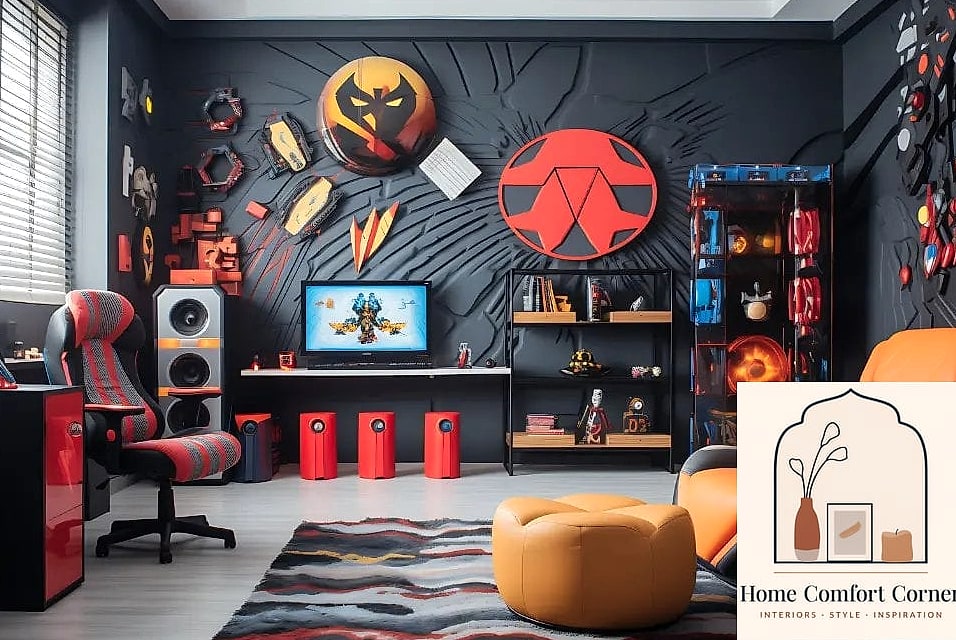
Framed game art, movie posters, and band prints are a classic go-to, and there’s nothing wrong with them. But designers pushed for mixing in a few unexpected pieces to keep the wall from feeling like a dorm room.
Consider a large-format print of a favorite in-game landscape, a neon-style sign with a personal phrase or gamertag, or a curated gallery wall that mixes framed art with a shelf or two. Odd-numbered groupings — three or five pieces — tend to look more intentional than an even, symmetrical grid.
If you’re renting, removable wall decals or a piece of art on a simple wire hanging system means you can take everything down without patching holes.
Create a Secondary Seating Area for Non-Desk Hangouts
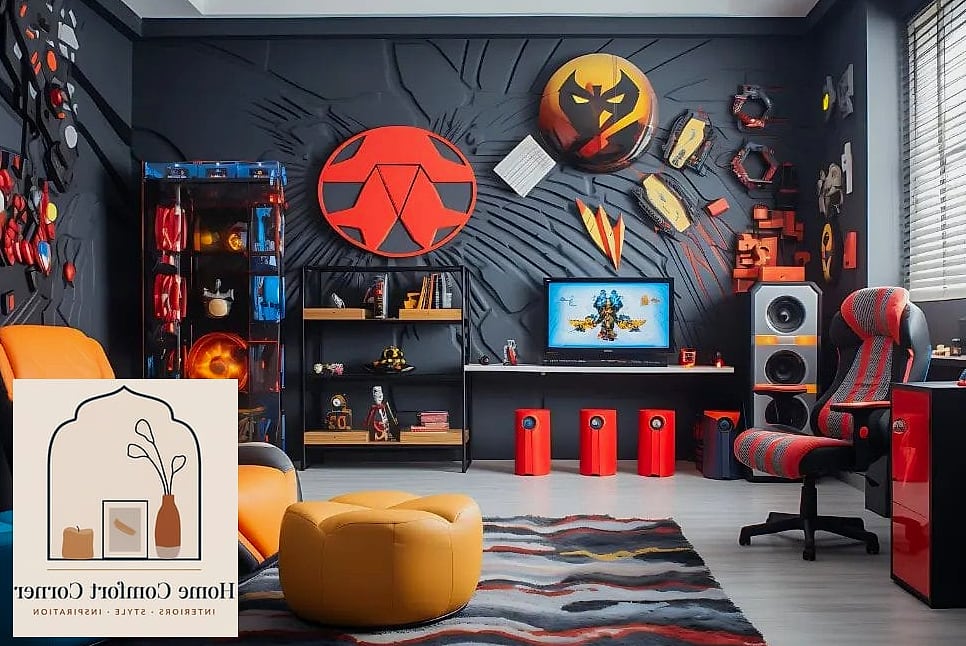
If your room has the square footage, designers recommend carving out a spot that isn’t the desk at all — a small loveseat, a couple of bean bags, or a floor cushion setup near a TV for couch co-op sessions or watching a friend stream.
This does two things. It gives the room a second purpose beyond solo desk time, and it breaks up the visual monotony of one big desk setup dominating the whole space. Even a small papasan chair in a corner with a side table for drinks changes how the room feels to be in.
If space is tight, a fold-flat floor chair or an ottoman that doubles as storage still gets you most of the benefit without eating up square footage.
Keep a Few Surfaces Empty on Purpose
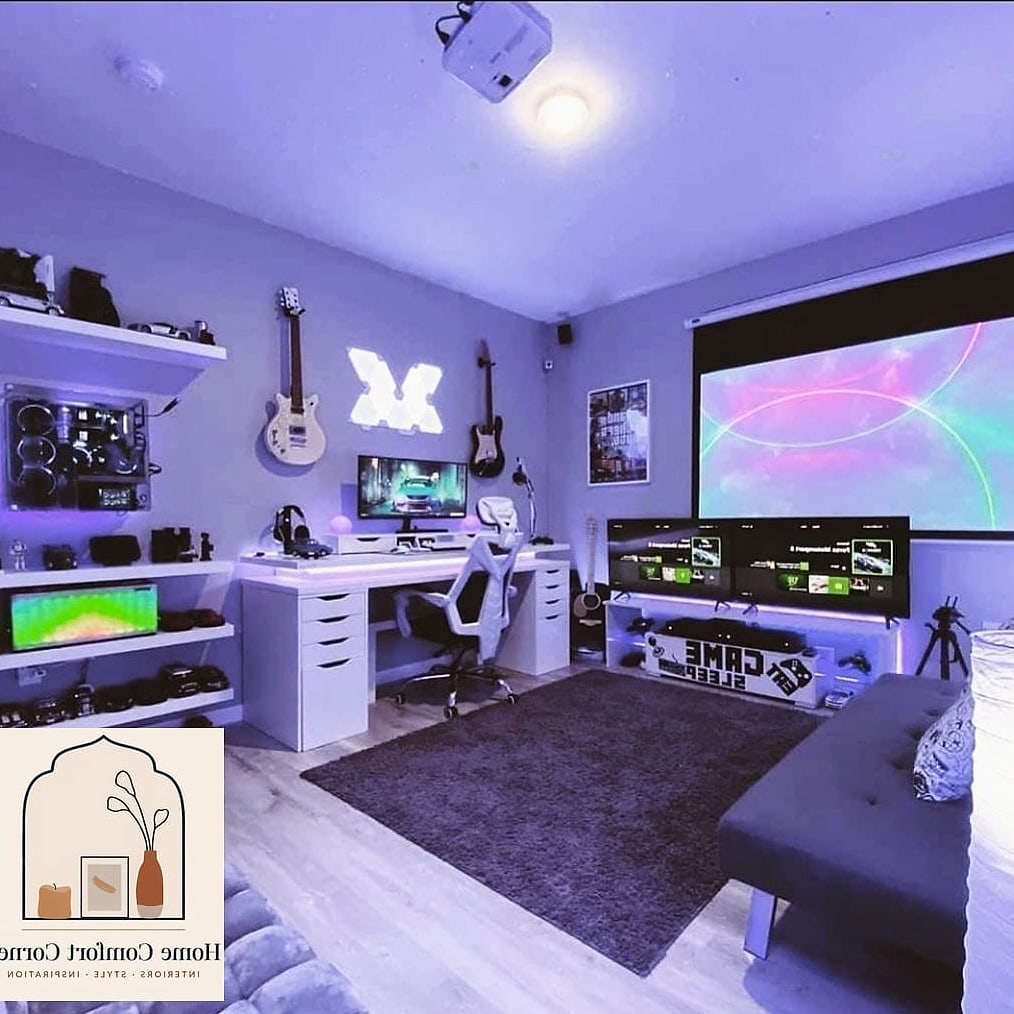
The last tip is more of a mindset than a specific product, but it came up in almost every conversation. Gamer rooms tend to accumulate stuff — extra controllers, empty energy drink cans, random cables, figures still in the box. Left unchecked, even a well-designed room starts to look chaotic.
Designers suggest picking one or two surfaces — maybe the top of your shelving unit or a side table — and keeping them permanently clear. It gives your eye a resting spot in an otherwise busy room and makes everything else feel more curated by comparison.
Pair that with a designated catch-all bin or drawer for the stuff that doesn’t have a home yet. Doing a five-minute reset at the end of each week keeps that clutter from creeping back in.
Putting a few of these ideas together — better lighting, a real color palette, some texture, and a little discipline about clutter — goes a long way toward making a gamer room feel like a genuinely designed space instead of just a desk with a computer on it. You don’t need to do all eleven at once. Pick two or three that fit your room and your budget, and build from there.