9 Gaming Room Decor Tips From Top Interior Designers

- Build Around a Bias Lighting Setup
- Choose a Dark, Moody Color Palette
- Add a Slat Wall or Wood Accent Panel
- Get Cords Under Control With Built-In Storage
- Anchor the Room With a Statement Chair
- Layer in Shelving for Display and Storage
- Use an Area Rug to Define the Space
- Add Acoustic Panels That Double as Art
- Bring In Dual-Purpose Furniture
9 Gaming Room Decor Tips From Top Interior Designers
Gaming rooms used to mean a mismatched chair, a folding table, and a tangle of cords running behind the TV. That’s changed. More interior designers are treating gaming spaces the same way they’d treat a home office or media room, which means real furniture, real lighting plans, and a layout that actually makes sense. Here are nine ideas worth stealing, whether you’re working with a whole spare bedroom or just a corner of the basement.
Build Around a Bias Lighting Setup
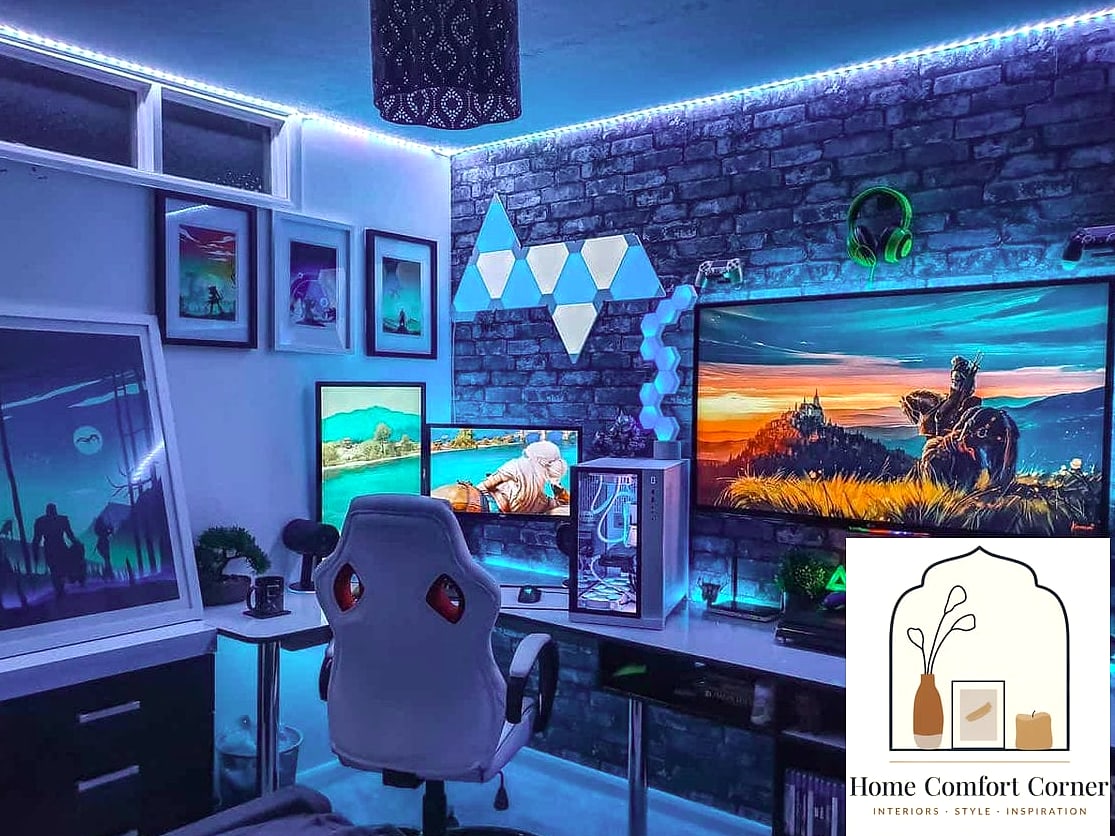
Staring at a bright screen in a pitch-black room strains your eyes fast, and most designers point to bias lighting as the fix. This means placing a soft LED strip behind the monitor or TV so there’s ambient light filling the space around the screen instead of total darkness.
It’s an easy DIY project too. Peel-and-stick LED strips run along the back of a monitor or entertainment console in about ten minutes, and most come with remotes or app controls so you can adjust color and brightness on the fly. Warm white tones feel more relaxing for long sessions, while RGB options let you match lighting to whatever mood or game you’re into that night.
Renters love this one because there’s no wiring or drilling involved. Just make sure the strip has decent adhesive backing, or it’ll start peeling in a warm room.
Choose a Dark, Moody Color Palette
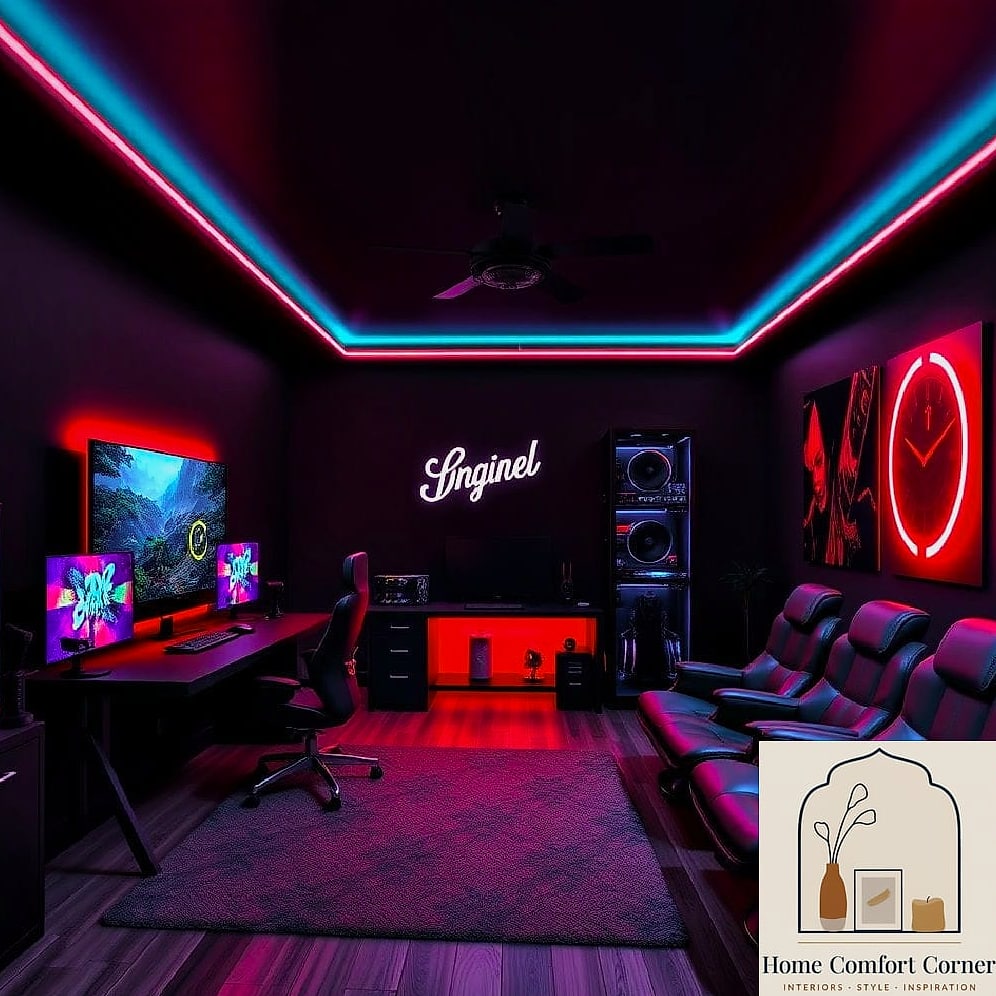
A lot of gaming rooms lean into deep charcoal, navy, or even matte black walls, and there’s a real reason for it beyond aesthetics. Darker walls reduce glare and screen reflection, which makes for a more comfortable viewing experience during long stretches at the console or PC.
If a full dark room feels like too much commitment, try it on just one accent wall behind the setup. Pair it with warm wood tones or brushed brass hardware to keep the space from feeling cave-like. A textured finish, like a matte eggshell paint, also helps hide scuffs and fingerprints better than a glossy one.
This works especially well in basements or windowless rooms where you’re not fighting natural light anyway. In a sunnier room, blackout curtains can help control glare without committing to dark walls at all.
Add a Slat Wall or Wood Accent Panel
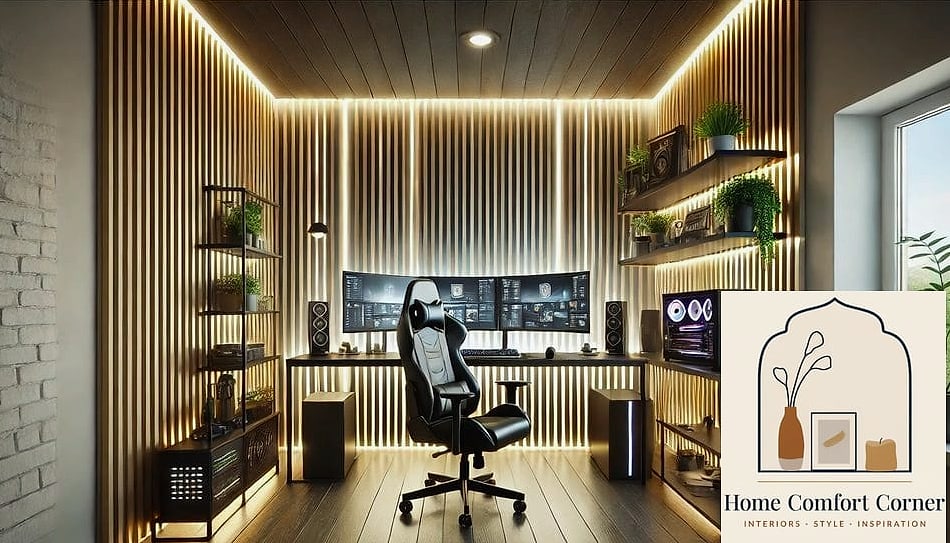
Slat wood panels have shown up everywhere in home design lately, and gaming rooms are no exception. A vertical wood slat wall behind the desk or TV adds warmth and texture without requiring much maintenance, and it does a nice job of absorbing some sound too, which matters if your setup includes speakers or a headset mic.
You can buy pre-made slat panels or build your own with furring strips and a foam backing board, which keeps the project pretty budget-friendly. Natural stone or brick veneer can create a similar layered look if wood isn’t your thing, though it’ll run a bit pricier.
Either way, this kind of accent wall gives the room a designed feeling instead of looking like leftover furniture got shoved into a spare bedroom.
Get Cords Under Control With Built-In Storage
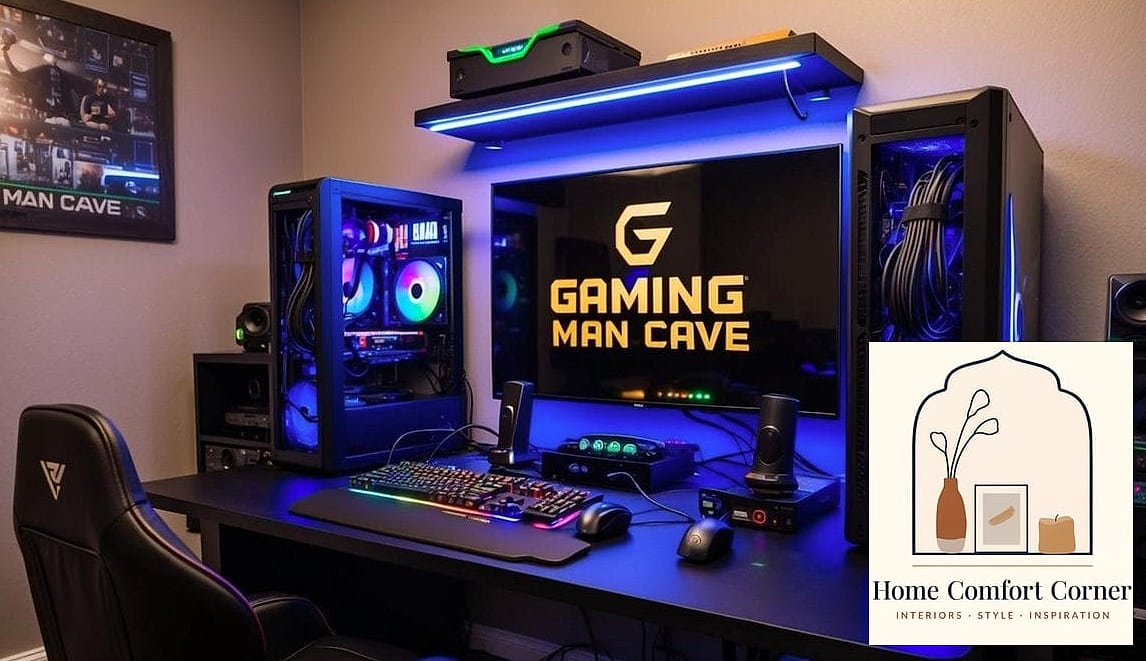
Nothing kills a well-designed gaming room faster than a nest of visible cords. Designers typically solve this with cord channels, cable sleeves, or a media console that has a back panel specifically for routing wires out of sight.
Look for a console with built-in storage compartments too, since games, controllers, and cables all need somewhere to live besides the floor. Drawer organizers and small bins inside those cabinets keep smaller items from turning into clutter. If you’re short on furniture budget, adhesive cable clips along the back of a desk get you most of the way there for just a few dollars.
Wireless controllers and headsets help too, obviously, but most setups still have at least a power strip and HDMI cables that need a hiding spot.
Anchor the Room With a Statement Chair
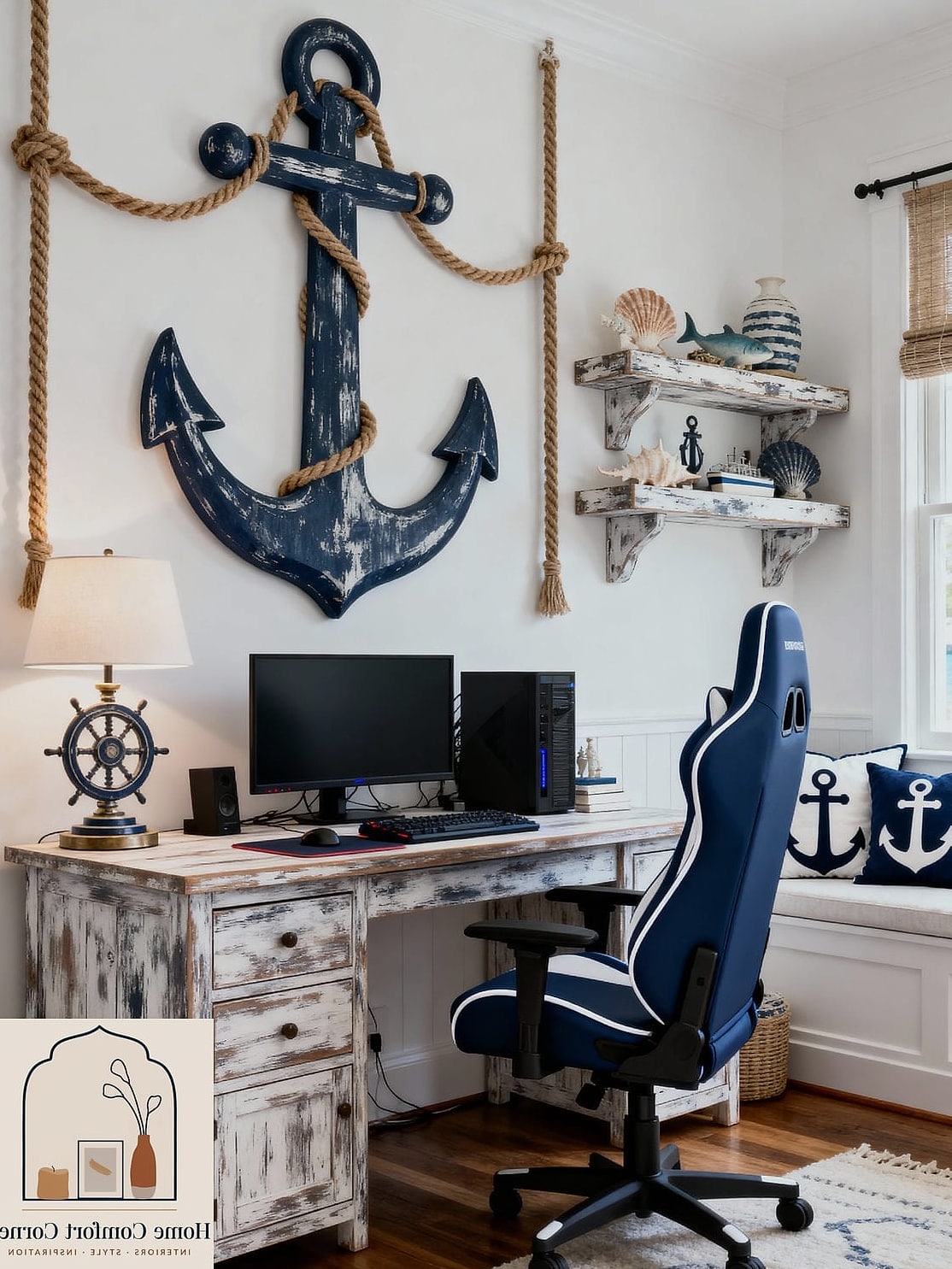
Comfort matters more in a gaming room than almost anywhere else in the house, since people tend to sit still there for hours. A lot of designers recommend investing in one really good chair rather than spreading the budget across a bunch of smaller accessories.
This doesn’t have to mean a gamer-branded racing chair covered in logos. Plenty of people are going with mid-century leather recliners, oversized accent chairs, or even a low-profile sectional if the room doubles as a hangout space. The goal is ergonomic support without making the room look like it only serves one purpose.
If budget allows, a chair with adjustable lumbar support and armrests pays off during marathon sessions. On a tighter budget, a supportive floor cushion or bean bag chair still beats a hard folding chair.
Layer in Shelving for Display and Storage
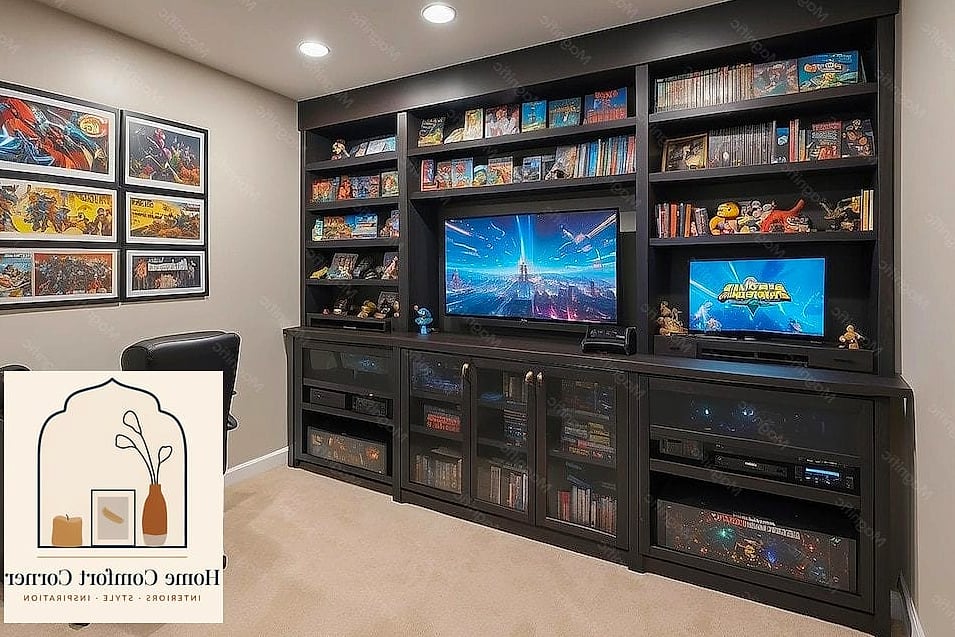
Open shelving gives a gaming room a chance to show some personality instead of just function. Floating shelves work well for displaying collectibles, game cases, or figures, and they free up floor space compared to a bulky bookshelf.
Mixing closed storage with open shelving tends to look more intentional than going all one way. Baskets or bins on lower shelves can hide less photogenic items like extra cables or old controllers, while the open shelves above hold the stuff you actually want people to see.
This is also a great spot to work in some greenery. A trailing plant or two softens all the hard edges from screens, consoles, and electronics, and it makes the room feel a little less like a tech showroom.
Use an Area Rug to Define the Space
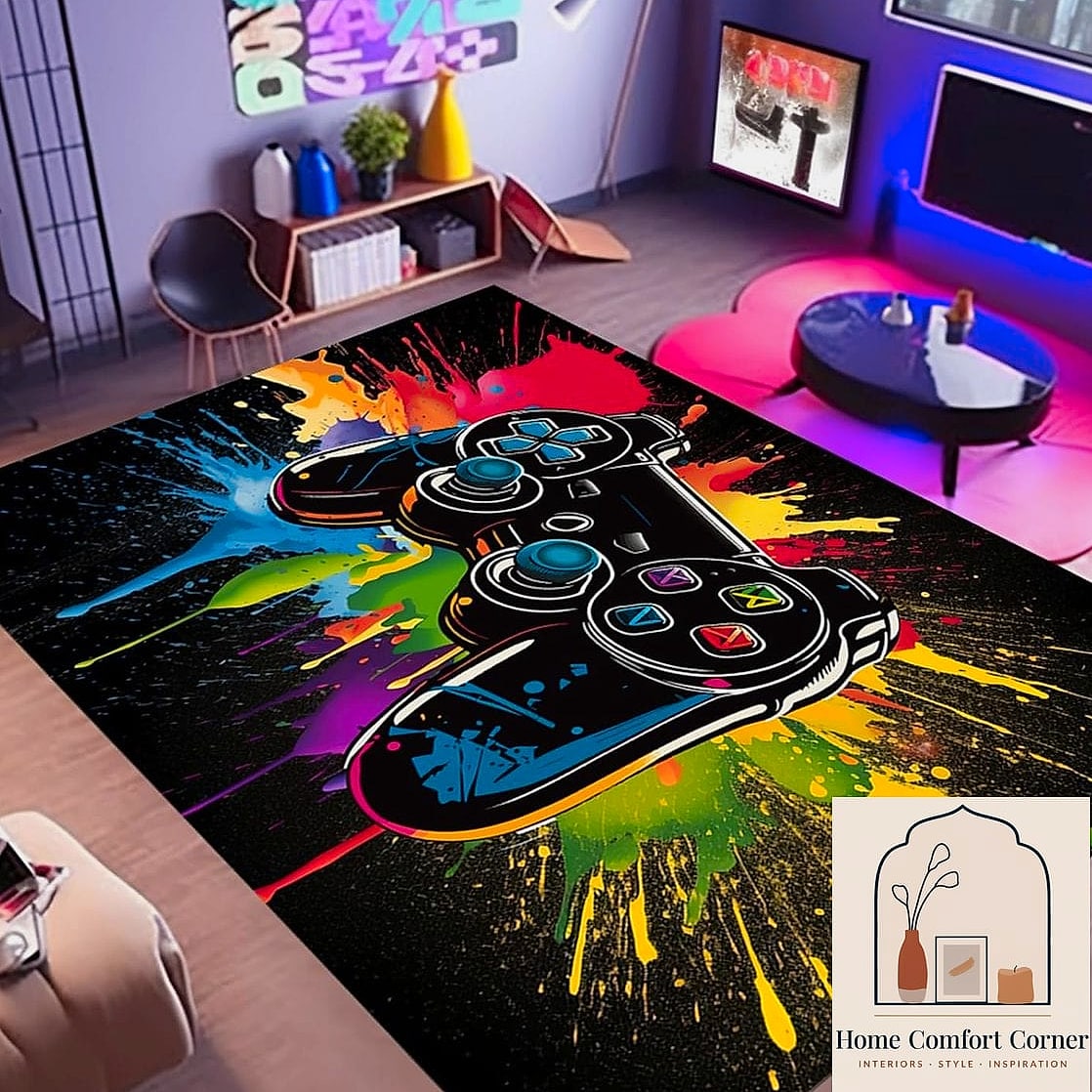
If the gaming setup lives in a corner of a larger room, an area rug is one of the simplest ways to visually separate it from the rest of the space. A rug under the seating area signals “this is its own zone” without needing a wall or divider.
Darker, patterned rugs tend to hide stains and wear better than light solid colors, which is worth considering if snacks and drinks are a regular part of gaming sessions in your house. Low-pile rugs are also easier to vacuum and hold up better under rolling chairs if the setup includes a desk.
For families with pets, a durable synthetic rug is usually a safer bet than a natural fiber one that shows scratches or accidents more easily.
Add Acoustic Panels That Double as Art
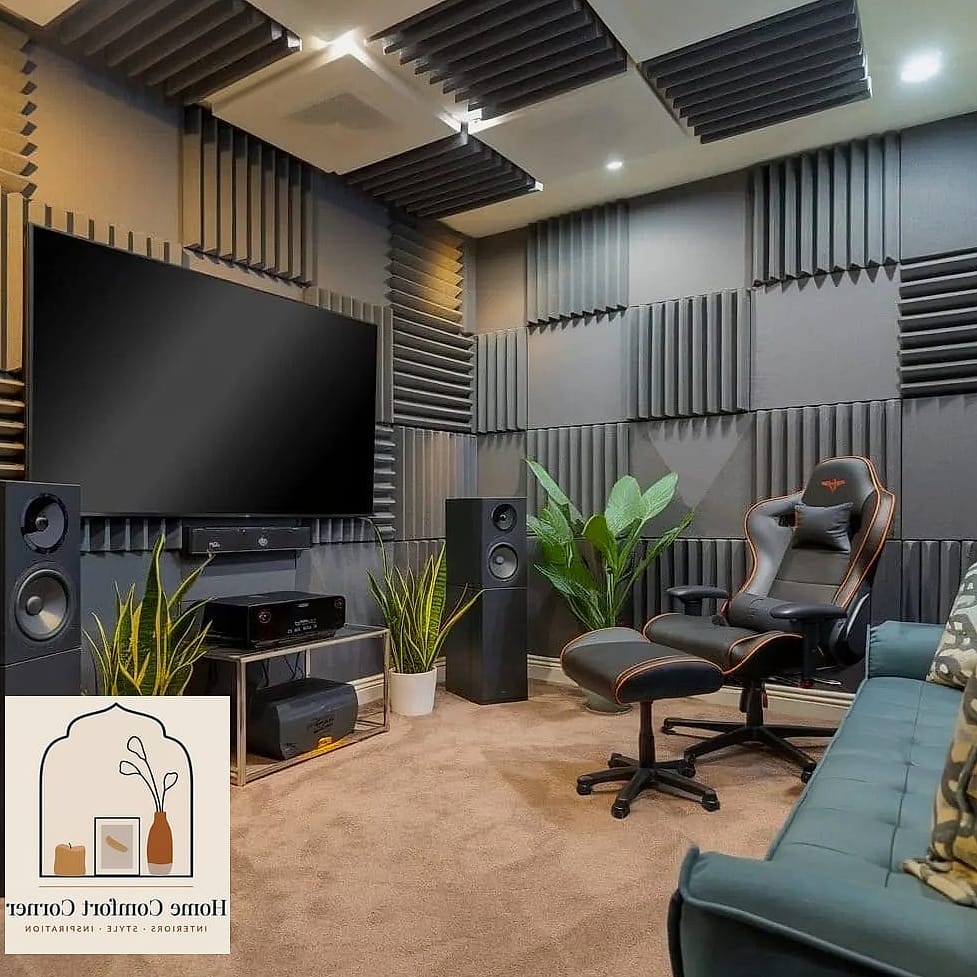
Sound bouncing off bare walls makes speakers and headsets sound worse than they need to, and it’s something a lot of people don’t think about until they notice an echo. Acoustic foam panels handle this, and the newer ones come in fabric-wrapped designs that look more like wall art than soundproofing equipment.
Arranging a few panels in a geometric pattern on one wall gives the room a gallery-style focal point while quietly improving the acoustics. Some brands offer them in colors that coordinate with a broader palette, so it doesn’t have to look like a recording studio.
This is a nice option for apartment dwellers too, since panels also help dampen sound heading toward neighboring walls, which your neighbors will probably appreciate.
Bring In Dual-Purpose Furniture
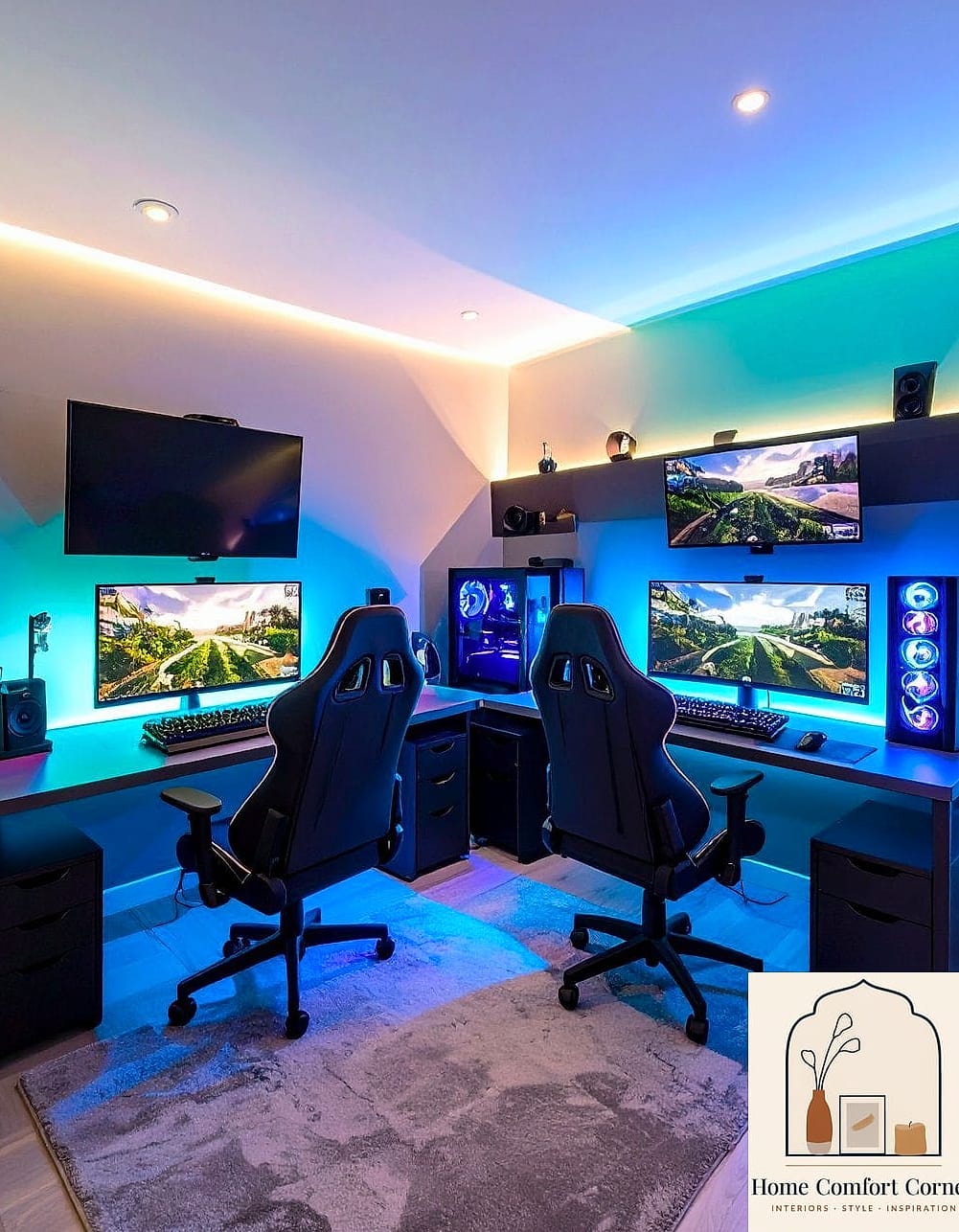
Not every gaming room gets to be a dedicated space, and designers know this. A desk with built-in shelving, a console that hides a mini fridge, or an ottoman with hidden storage inside all let the room flex for more than one use.
This matters most in smaller homes where the gaming area shares space with a guest room or home office. A daybed instead of a traditional desk chair can convert the room into overflow sleeping space when family visits. A storage ottoman doubles as extra seating and a spot to tuck away controllers when the room needs to look presentable.
Multi-functional furniture also tends to be a smarter long-term investment, since the room can evolve as your needs change without a full redo.
Putting together a gaming room doesn’t require picking one aesthetic and going all in. The best ones tend to borrow a little bit from home theater design, a little from home office setups, and a little from whatever makes a room feel comfortable to sit in for hours. Start with lighting and cord management since those solve the most obvious problems, then layer in the personality pieces as you go.